
Handing your passport scan and payment details to a company you have never met feels like a leap of faith. It should not be one. A well-run visa service makes the steps visible, so you can see for yourself whether things are being handled properly.
This guide describes what a safe online application looks like at each stage, using the way we work with our partner tourism agency as the model. It will also help you judge any service you use.
01Stage one: the eligibility check
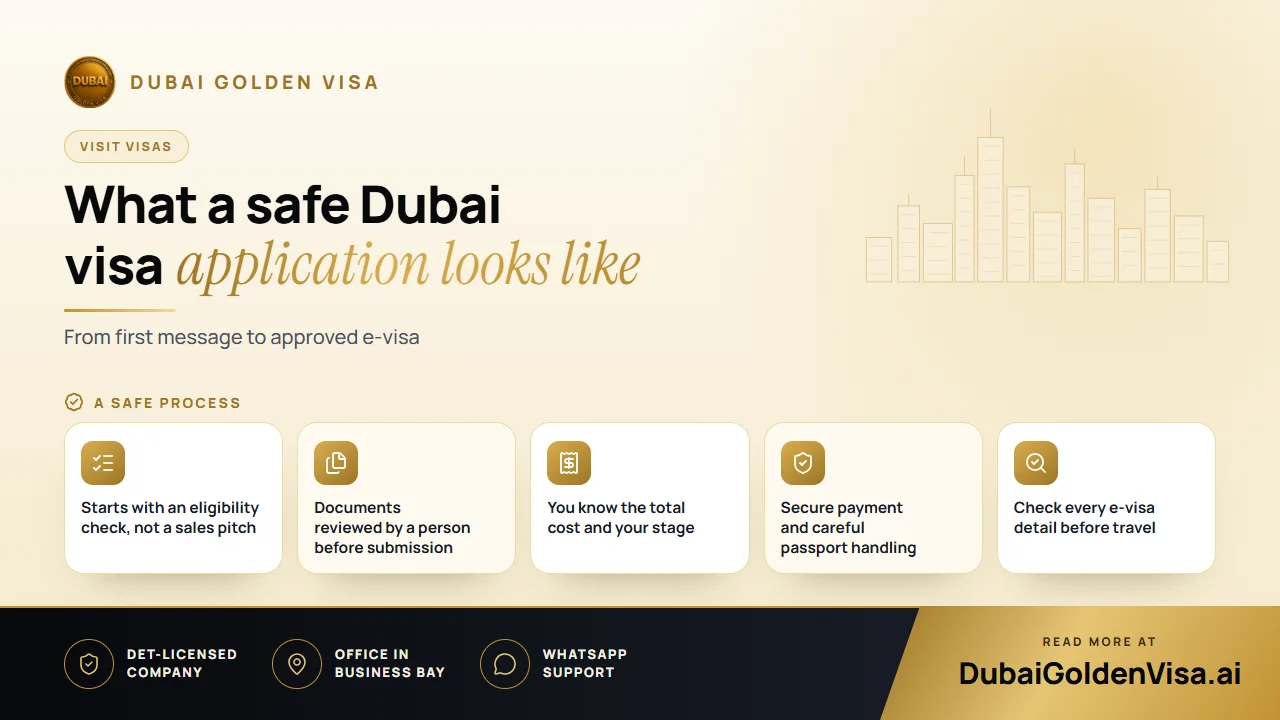
Before any money changes hands, someone should confirm whether you need a visa at all. Passport nationality decides the answer, and some nationalities enter on arrival. A visa service that asks about your passport first is looking after your interests.
At this point you also choose the visa itself: 14, 30 or 60 days, single or multiple entry, or a transit visa of 48 or 96 hours if you are only passing through. A visit visa is for tourism and short stays, not for work.
02Stage two: reviewing the documents
Most delays are caused by small problems in the files, such as a cropped passport page, a photo with a shadow or a name that is spelled differently from the passport. A person should look at your documents before they are submitted and tell you what to fix.
- Passport scan in colour, with all four edges and the machine-readable lines visible
- Passport with at least six months of validity
- Recent photograph on a white background, face clear and unobstructed
- A reachable email address and WhatsApp number for updates
03Stage three: knowing the price and paying safely
You should see the final total before you pay, together with what it covers. We do not publish visit visa prices in articles because they depend on the passport and the visa chosen, so we confirm the current figure with you on WhatsApp first.
Tip
Payment safety basics
Use a recognised secure payment method and keep the confirmation. Do not send card photographs or one-time passcodes through chat. If anyone asks you to pay into a personal account, stop and ask why.
04Stage four: submission and tracking
- 1
Submission
Your file is sent through the proper channel only after the review and your confirmation.
- 2
Waiting period
Standard handling usually takes two to three working days. Express, where available for your case, takes roughly 12 to 24 hours.
- 3
Updates
You should be told when the file moves forward, and be able to ask a person where it stands.
- 4
Issue
The approved visa is delivered electronically as a PDF.
Weekends, public holidays and extra immigration checks can add time, and no provider controls the final decision. Treat any claim of a guaranteed outcome with suspicion.
05Stage five: checking the visa before you fly
When the e-visa arrives, read it as carefully as you would a plane ticket. Confirm that your name, passport number and date of birth are correct, and note the validity dates and the permitted length of stay. If there is an error, tell your provider straight away, before you get to the airport.
Keep a printed copy in your hand luggage and a digital copy on your phone. Remember that the length of stay on the visa is the limit, and overstay fines are charged per person per day.
06Protecting your privacy throughout
Your passport scan and photo are personal data. A responsible company explains how they are used, does not ask for more than the application needs and does not keep payment card details in chat. You are entitled to ask these questions before you proceed.
Families applying together should submit each person's documents separately and carefully, since each adult and child is assessed individually. Keep the files labelled by name so nothing is mixed up.
If you want to see how this works for your own trip, message us on WhatsApp. We will check your passport route for free and explain each step before you commit to anything.
Questions about this topic
The visa details are taken from it, and a cropped or unclear scan is a common cause of delay or rejection.
Questions about your own case?
Send us a message and an advisor will tell you which route fits and what you'll need.