
Pressing submit on a visa application is not the end of the process. For the next day or few days, your file moves through several stages, and not knowing which one it is in is what makes the wait feel long.
This guide walks through those stages in plain terms, so you know what to expect and what to do if the visa does not arrive when you hoped.
01The stages of a visit visa application
- 1
Submission and document check
Your passport copy, photo and travel details are checked for clarity and consistency before anything is filed.
- 2
Filing with the authorities
The application is submitted through a licensed tourism agency to the UAE immigration system.
- 3
Review and decision
The authorities examine the application. Some are approved very quickly, while others take longer if extra review is needed.
- 4
Issue of the e-visa
Once approved, the electronic visa is sent to you, normally by email.
- 5
Travel and entry
You carry the visa to the airport and present it, with your passport, at check-in and immigration.
02How long should each step take?
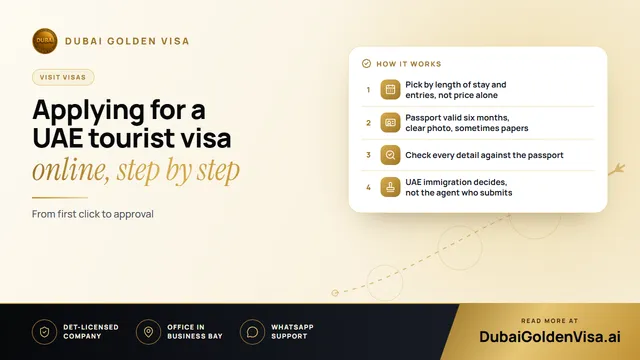
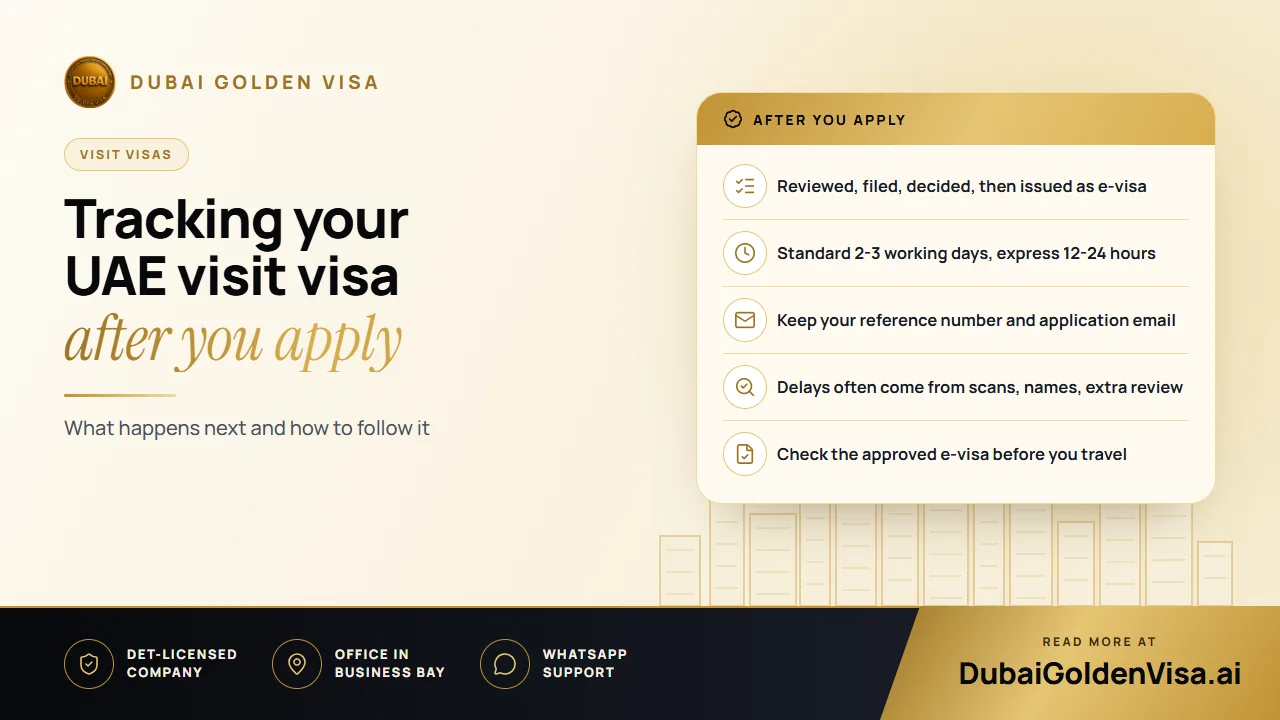
When we file through a partner tourism agency, standard processing usually takes 2-3 working days. Express handling can cut that to about 12-24 hours. These are typical figures, not guarantees. Weekends, public holidays, high season and particular nationalities can all stretch the timeline.
Because of that, it is wise to apply well before your flight rather than counting on the fastest possible result.
03What to keep while you wait
- Your application reference number.
- The email address and phone number you used, since updates and the e-visa go there.
- The payment confirmation from your bank or card.
- Your passport, kept valid and undamaged, in case a correction is requested.
04If the visa is slower than expected
A quiet inbox does not always mean a problem. Check your spam folder first, as e-visa emails sometimes end up there. If a working day or two beyond the expected time has passed, contact whoever filed your application with your reference number and ask for a status.
The most common reasons for delay are easy to spot:
- A blurred, cropped or dark passport scan.
- A name spelled differently between the passport and the application.
- A photo that does not meet the standard, for example with shadows or a patterned background.
- An earlier overstay or an unresolved record in the UAE system.
- A passport that is very close to expiry.
Tip
If an application is refused
A refusal is not always the end. Understanding the reason is the first step, and a corrected or different application may be possible. Do not rebook non-refundable travel until the position is clear.
05Check the e-visa when it arrives
Do not just save the file and forget it. Open it and read through the details. Look at the name and passport number, the visa type, the entry type, the validity dates and the permitted stay. A one-letter spelling error or a wrong passport number can cause problems at check-in, and it is far easier to correct before you travel than at the airport.
Keep the e-visa on your phone and print a copy too. Airline staff and immigration officers may ask to see it, and a flat battery should not be the reason you cannot show it.
06Paying safely online
While you are applying, pay only through a secure page and keep the receipt. Be careful with anyone who asks you to send money by an unusual route, and check the total amount before you confirm.
07Keeping your own record
It is worth keeping a small folder, digital or paper, for each trip: the application confirmation, the e-visa, your bookings, your insurance and a copy of your passport. If something goes wrong on the road, you can answer questions in minutes rather than searching through old emails.
Message us on WhatsApp if you are waiting on a visa and would like us to look at your situation, or if you have not applied yet and want a free check of what you need.
Questions about this topic
Normally to the email address you gave when you applied, so double-check it when submitting.
Questions about your own case?
Send us a message and an advisor will tell you which route fits and what you'll need.