
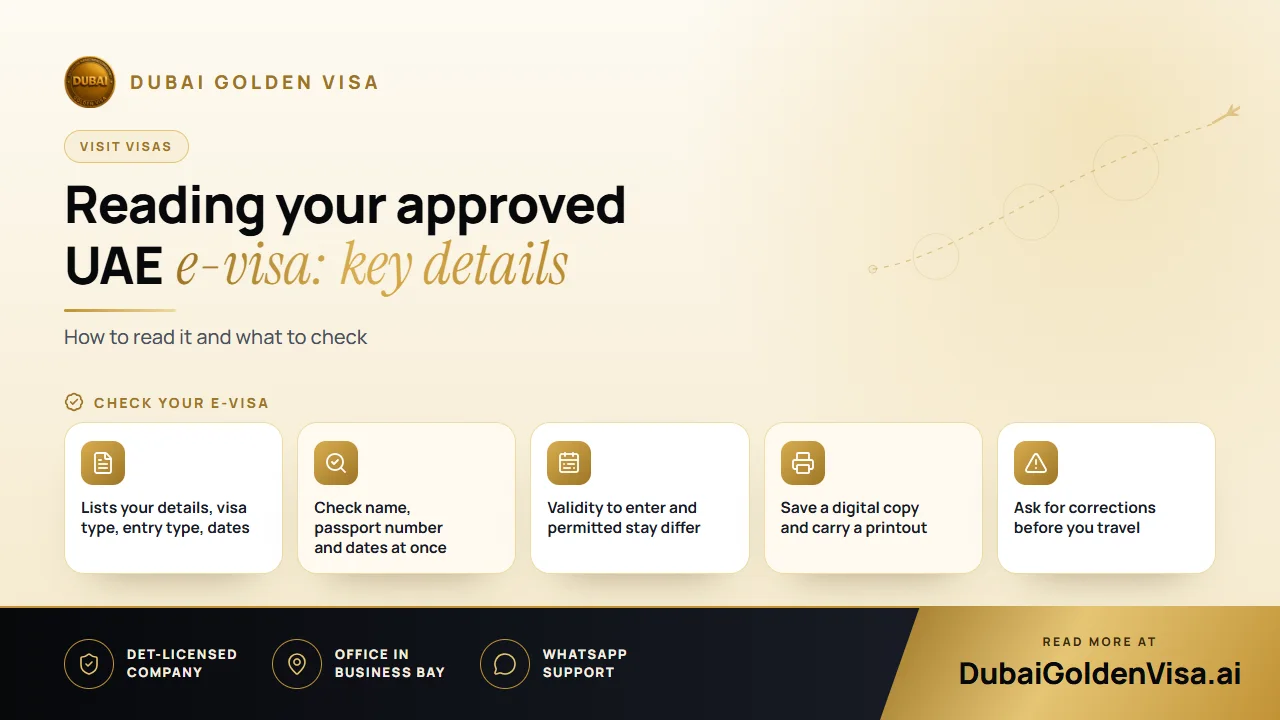
When your UAE e-visa arrives, the natural reaction is relief, and then to file it away. That is the moment to slow down for five minutes. The document is short, but each line affects whether you board your flight and how long you can stay.
This guide goes through what an approved e-visa normally shows, what to check on it and how to keep it safe for the journey.
01The main fields on an e-visa
- Your full name, as it appears in the passport.
- Your passport number and nationality.
- The visa type, such as a 14, 30 or 60-day visit visa, or a transit visa.
- The entry type, single or multiple.
- The issue date and the date by which you must enter the UAE.
- The permitted length of stay once you arrive.
- A visa or reference number, usually with a barcode or code that officials can scan.
Layouts differ by visa type and over time, so do not worry if your document looks slightly different from one you have seen before.
02Two clocks that people confuse
A visit visa has a window in which you have to enter the UAE. That is separate from the stay period, which starts on the day you arrive. A visa that allows a 30-day stay but must be used within a set time after issue will not help if you land after that window has closed.
Compare both against your flight date, and also against your return date, so the stay covers your whole trip.
03Check it against your passport
- 1
Name
Match every letter against the photo page of your passport, including the order of first and family names.
- 2
Passport number
One wrong digit can stop you at check-in. Check it carefully.
- 3
Dates
Confirm that the validity and stay period fit your flights, with a little spare time.
- 4
Type of visa and entry
Make sure it is the length and single or multiple entry you applied for.
- 5
Passport validity
Your passport should also have at least six months remaining on the day you travel.
Tip
Fix mistakes now
Errors are far easier to correct before you fly than at the departure gate. If you find one, tell whoever filed your application straight away, with a photo of your passport page.
04Storing and carrying it
- Save the file on your phone and also keep it in an email you can open offline.
- Print at least one copy and keep it with your passport.
- Make sure each traveller in a family has their own visa document.
- Keep your return ticket and accommodation details with it, in case you are asked.
05At the airport
Airline staff may check the visa at check-in, especially if your nationality needs one before travel. On arrival, UAE immigration will scan your passport and see the visa in their system. Even with an approved e-visa, the officer decides on entry, so answer questions calmly and have your hotel booking and return ticket ready.
06If you cannot travel in time
If your plans change after approval, ask what the options are as soon as you can. Visas that are not used within their entry window generally lapse, and you may need to apply again.
07A short checklist before you fly
- Name and passport number match your passport exactly.
- Visa type and entry type are the ones you applied for.
- Entry window and stay period both fit your dates.
- One digital and one printed copy are saved.
- Your return ticket and hotel details are with the visa.
Run through this list the night before travelling, then again when you pack your hand luggage. Five minutes of checking is cheap compared with a refused boarding.
If you travel with a group, have one person collect each traveller's visa and check them in a single sitting. It is easy to assume a family member's document is fine when a digit is wrong, and it is simpler to catch it together at home than at the counter.
Message us on WhatsApp if you have an e-visa and want a second pair of eyes on it before you fly, or if you are still working out which visa you need.
Questions about this topic
It is wise to carry a printout as well as a digital copy, as airlines and officers may ask to see it.
Questions about your own case?
Send us a message and an advisor will tell you which route fits and what you'll need.