
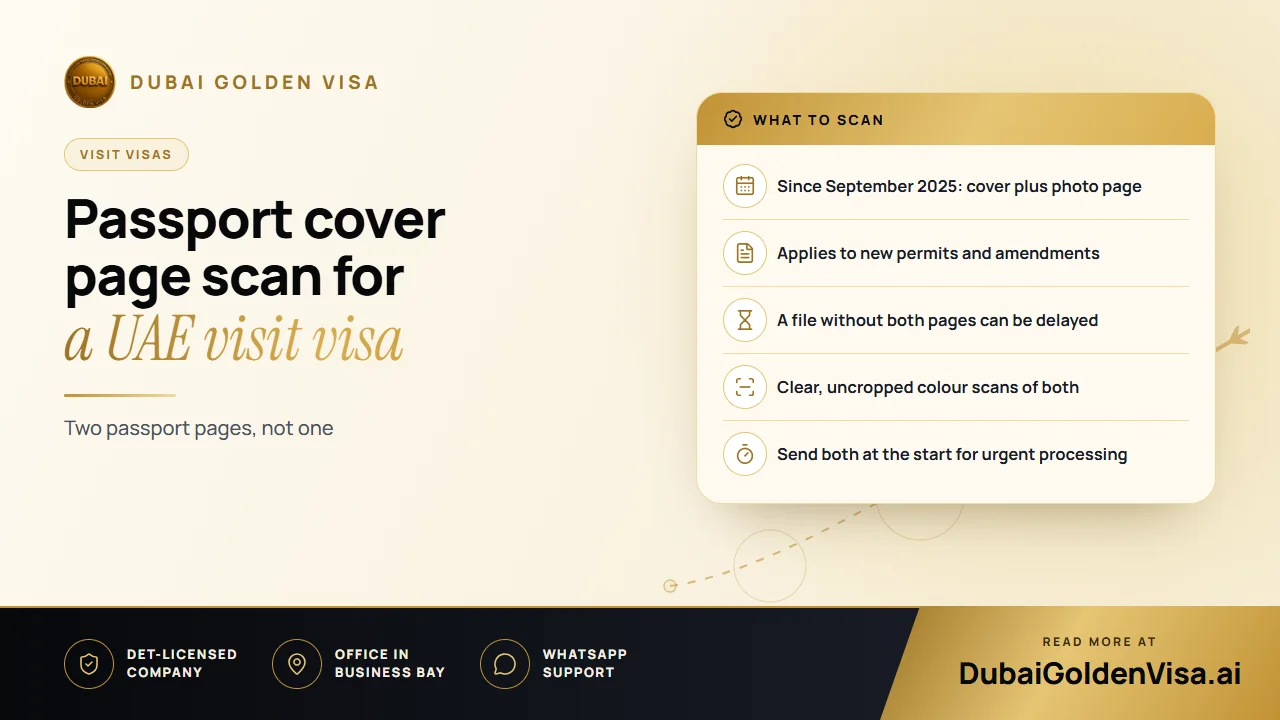
In September 2025, UAE immigration began asking for an extra document on tourist and visit visa applications: an image of the outside front cover of the passport, the page that carries the national emblem and the word for passport. Until then, most files needed only the page with your photograph and personal details.
It sounds like a small change, but it is one of the most frequent reasons a file stops moving. This article explains what to send and how to prepare both images.
01What changed
The cover page is now treated as a required item rather than a nice-to-have. As we understand it, the requirement is not limited to one nationality or one visa. It covers the usual short-stay visas, such as tourist visas of 14, 30 and 60 days, business-type visit visas, 48 and 96 hour transit visas and multiple-entry visas.
It also applies when a visa file needs amending. If you are correcting a detail on an application that has already been started, the cover is expected again.
02What happens if it is missing
A file that is waiting for documents will not move forward until the cover image arrives. It simply stays on hold, and that can mean a delay or, in the worst case, a refusal. If you filed before the change and your application is stuck at the document stage, this is the first thing to check.
Timing matters here too. Standard processing usually takes 2-3 working days, and express about 12-24 hours. Urgent handling is realistic only if the file is complete from the start, so uploading both pages immediately protects your timeline.
03The two images you need
- The information page: the page with your photograph, name, passport number, dates and the machine-readable lines at the bottom.
- The outer cover: the front of the closed passport showing the emblem and the passport marking.
Each one should be a colour image. Black-and-white scans, photocopies and screenshots of a screenshot are more likely to be questioned.
Tip
A quick quality test
Open each image full-size on your phone. Can you read every character, including the two lines at the bottom of the information page? Do you see all four corners? If either answer is no, take it again.
04How to take clean scans
- 1
Choose a flat, plain surface
A table or desk with even light works best. Avoid patterned cloth or glossy surfaces.
- 2
Open the passport fully
Hold the photo page flat so nothing curls at the edges. Do not let fingers cover the text.
- 3
Avoid glare and shadows
Stand so that neither your phone nor your head casts a shadow, and turn off flash if it reflects off the laminate.
- 4
Keep the whole page in frame
Leave a small margin around all four edges. Cropping is a common cause of rejection.
- 5
Photograph the cover separately
Take the front of the closed passport on its own, straight on, without a case or cover in the way.
- 6
Check names and numbers
Compare what you typed on the form with the passport itself, one character at a time.
05Mistakes we see most often
- Sending the photo page twice and no cover
- Leaving the passport in a protective sleeve that hides the emblem
- Uploading a phone screenshot rather than an original image
- Editing or filtering the picture to brighten it
- Passport details on the form that differ from the passport
Why does immigration want the cover? The reasoning appears to be extra verification and fewer mismatches between what is submitted and the physical document. Whatever the exact motive, the practical advice is the same: send both pages and send them early.
06If your file is already in progress
Send us the cover image on WhatsApp or by email and we will attach it to your existing application. We would rather catch a missing page today than find out after you have booked flights.
Unsure whether your documents are ready? Message us on WhatsApp for a free check of your passport scans before we file your UAE visa.
Questions about this topic
As we understand it, yes. The cover is requested across tourist, transit and multiple-entry visit visas.
Questions about your own case?
Send us a message and an advisor will tell you which route fits and what you'll need.