
Your passport copy is more than a travel document. Together with a photograph and a date of birth, it is the raw material of identity fraud. Yet when you apply for a visa online, you have to hand it over to a company you may know little about.
You cannot avoid sharing it, but you can control how, with whom and under what terms. Here are the habits we recommend to anyone applying for any visa online.
01Be deliberate about where documents go
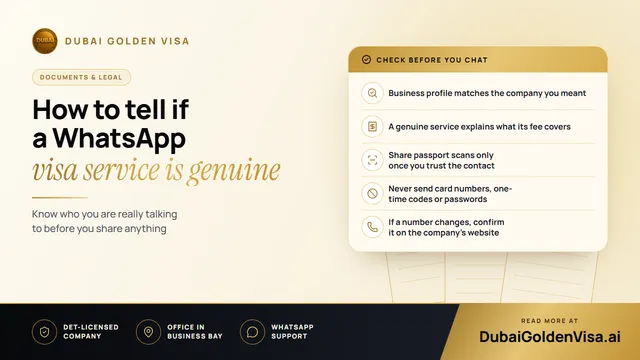
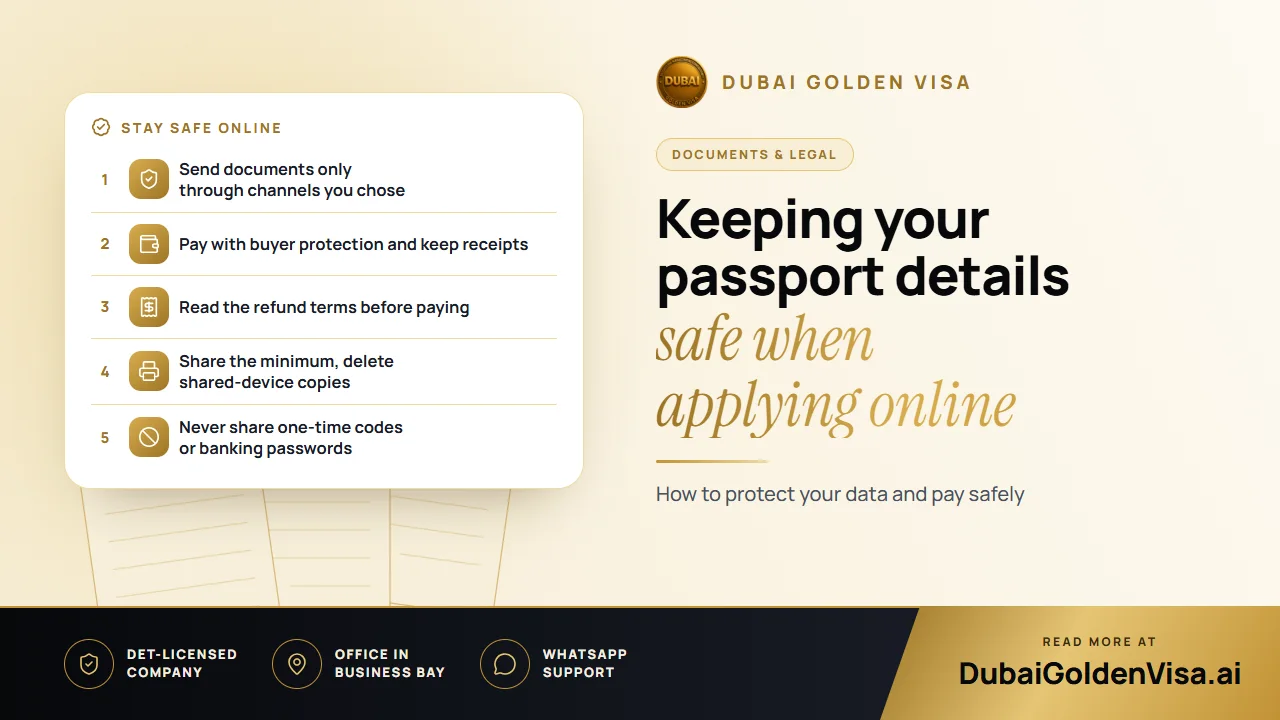
The safest rule is to choose the channel yourself. Go to the service's own website or to a WhatsApp chat you started, rather than responding to a message or advertisement that appeared out of nowhere. A genuine team will not mind you taking your time.
- Check that the page address begins with a padlock and https before you upload anything.
- Prefer a secure upload form over sending passport photos by email.
- Do not send documents to a personal phone number of an individual you cannot verify.
- Share only what the application requires, and refuse requests for unrelated papers such as bank statements unless they are explained.
02What good data handling looks like
You do not need to be a security expert to ask sensible questions. A reputable service should be able to tell you, in plain words, how your documents are stored, who can see them and how long they are kept.
- Encrypted uploads, so that files are protected while travelling over the internet.
- Restricted access, so only the staff handling your application can open your documents.
- A clear retention policy that explains when files are deleted.
- A named company and a physical office you could, in principle, contact.
Tip
Our own rule of thumb
If someone cannot explain what happens to your passport copy after your visa is issued, wait. A good answer takes thirty seconds.
03Paying safely
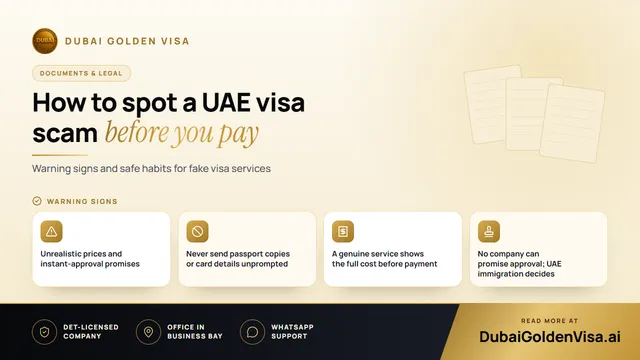
Payment is the second place where things go wrong. Use a credit or debit card that offers dispute protection, or a recognised online payment provider, instead of a direct bank transfer to a personal account. Card payments give you a trail and a route to challenge a charge.
- 1
Check the total
The amount shown before you pay should include everything, and the receipt should match it.
- 2
Look for the payment page
A card page from a known provider appears on a secure address. If you are asked to type card details into a chat, stop.
- 3
Keep a receipt
Save the confirmation email and a screenshot, along with your application reference.
- 4
Watch your statement
Look for unexpected extra charges in the days after you pay.
04Understand the refund terms first
Visa fees are different from a hotel booking. Once an application has been sent to the immigration authorities, the work has been done, and the fee is commonly non-refundable, whatever the decision. That is normal, but you should know exactly where that line falls before you pay.
Ask when the application counts as submitted, what happens if you cancel before then and whether government fees are treated differently from service fees. Also remember that approval or refusal rests with the authorities, not with the agency, so no one can promise you an outcome.
05After you have your visa
- Delete passport scans from shared or public computers and messaging apps you no longer use.
- Keep the e-visa and passport copy in a protected folder, not in a public cloud link.
- Be suspicious of any later message asking for a further payment or a one-time code.
- If you suspect misuse, contact your bank and the service straight away.
Want to be sure before you send a single document? Message us on WhatsApp for a free check of what is needed for your visa, and we will explain exactly what we ask for and why.
Questions about this topic
It is safer when you started the chat yourself with a service you have checked. Avoid sending documents to numbers that contacted you first.
Questions about your own case?
Send us a message and an advisor will tell you which route fits and what you'll need.