
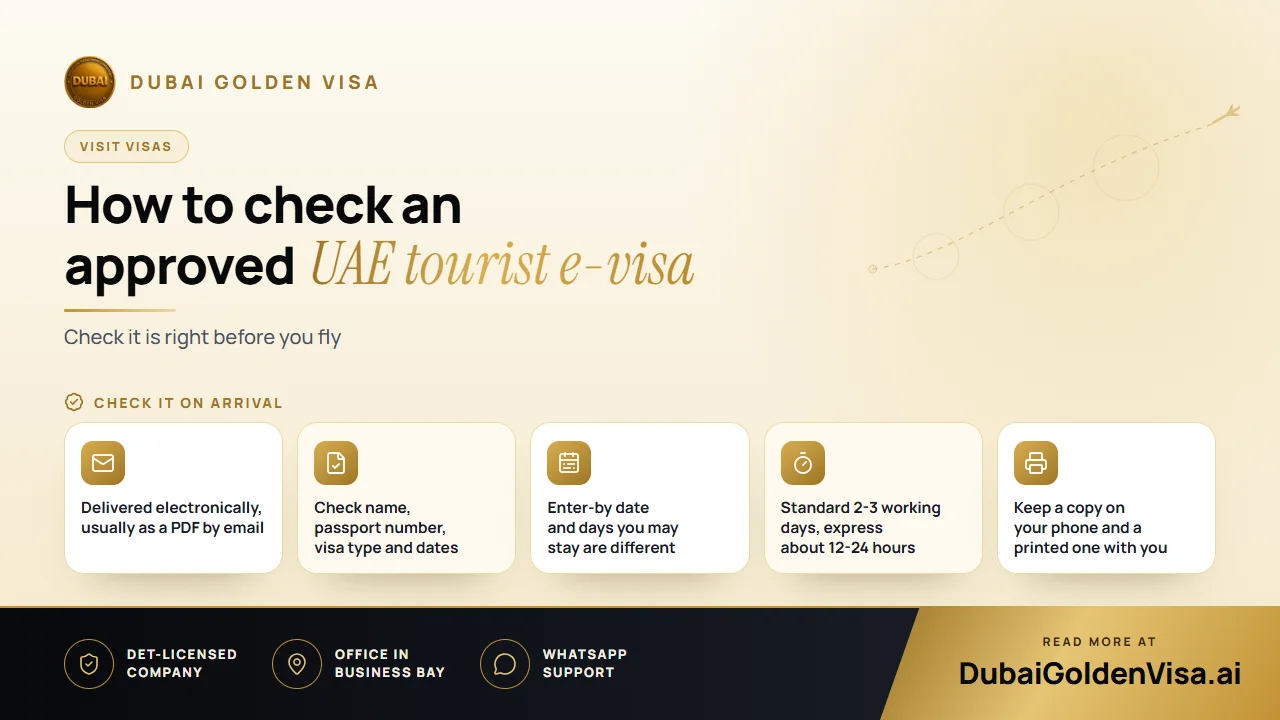
When you apply for a UAE tourist visa online, nothing physical ever arrives. No passport goes in the post and no embassy queue is involved. What you receive is an electronic visa, normally a PDF sent to your email address.
That is convenient, but it also means the details are easy to skim past. Take five minutes with your visa when it lands. A typo caught at home is a quick fix; the same typo found at check-in is a very bad afternoon.
01What an approved e-visa shows
Layouts vary, but a tourist e-visa generally carries the same core information. Read each line against your passport rather than against your memory.
- Your full name, spelled as in the passport
- Date of birth and nationality
- Passport number
- The visa type, such as tourism, and whether it is single or multiple entry
- The permitted length of stay, for example 14, 30 or 60 days
- The date by which you must use the visa to enter the UAE
- A unique permit or file number and a barcode that officers can scan
The visa is issued by UAE immigration. Applying through a service such as ours means we prepare and submit your file through a licensed tourism partner, but the decision and the document itself come from the authorities.
Tip
Two dates, two meanings
Travellers often mix up the entry deadline and the length of stay. The entry deadline is the last day you can arrive. The stay length is how long you can remain after you arrive. A 30-day visa does not mean you can turn up whenever you like within 30 days of issue, so read both carefully.
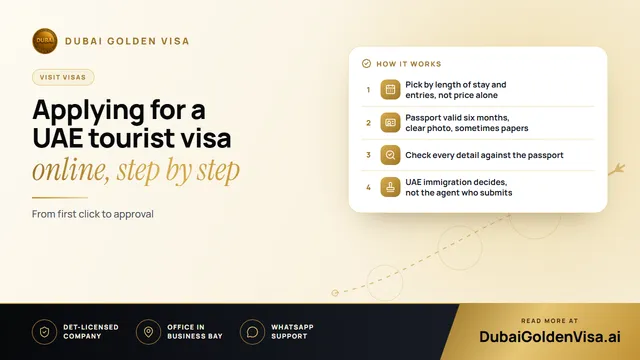
02How the online process works
- 1
Tell us about your trip
Share your nationality, travel dates and the length of visa you need.
- 2
Send your passport scan and photo
A clear colour scan of the photo page and a recent passport-style photograph on a white background.
- 3
We file your application
We submit it through our partner tourism agency and keep you updated.
- 4
Receive the approval by email
Standard processing usually takes 2-3 working days. Express, where it applies, is usually about 12-24 hours.
- 5
Check and save the visa
Verify every detail, then store it on your phone and print a copy.
The cost depends on the visa type and the speed you choose, so we confirm the total on WhatsApp before you pay anything. We never quote a price we haven't checked that day.
03Checks to do before you fly
- Compare the passport number and name with your passport, letter by letter.
- Make sure your passport still has the validity the airline expects.
- Count the days: your planned departure must fall within the permitted stay.
- Note whether the visa is single or multiple entry, and plan side trips accordingly.
- Keep your return ticket and accommodation details to hand.
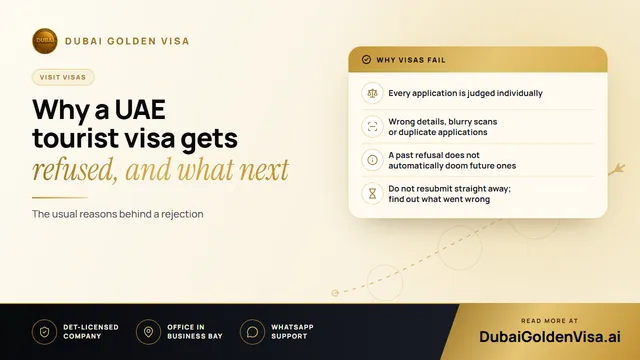
If anything looks wrong, tell us straight away. Some mistakes can be corrected quickly if they are found before travel, while others need a fresh application.
04Being careful online
Your e-visa contains personal information. Don't post it on social media, even to celebrate, and be wary of anyone who asks you to pay again after you have already received approval. Genuine providers explain what each fee covers, and you should always be able to ask a question and get a clear answer.
At the airport, an officer may scan the visa or compare it with your passport. Keep your passport and phone easy to reach, and have a printed copy in case your battery runs out.
Have a visa in your inbox and want a second pair of eyes before you fly? Message us on WhatsApp for a free check. Send a photo of your passport page and the e-visa, and we will tell you if everything lines up.
Questions about this topic
Not always, but we recommend it. A printed copy is useful if your phone dies or the airline asks to see the visa at check-in.
Questions about your own case?
Send us a message and an advisor will tell you which route fits and what you'll need.