
Searching for a visa online sounds simple, but the result depends on which system you ask. People often type their passport number into the wrong portal, see nothing and assume something has gone wrong.
In fact, checking progress on an application that is still being handled is a different job from confirming a visa that has already been issued. This guide explains the difference and how to avoid the common traps.
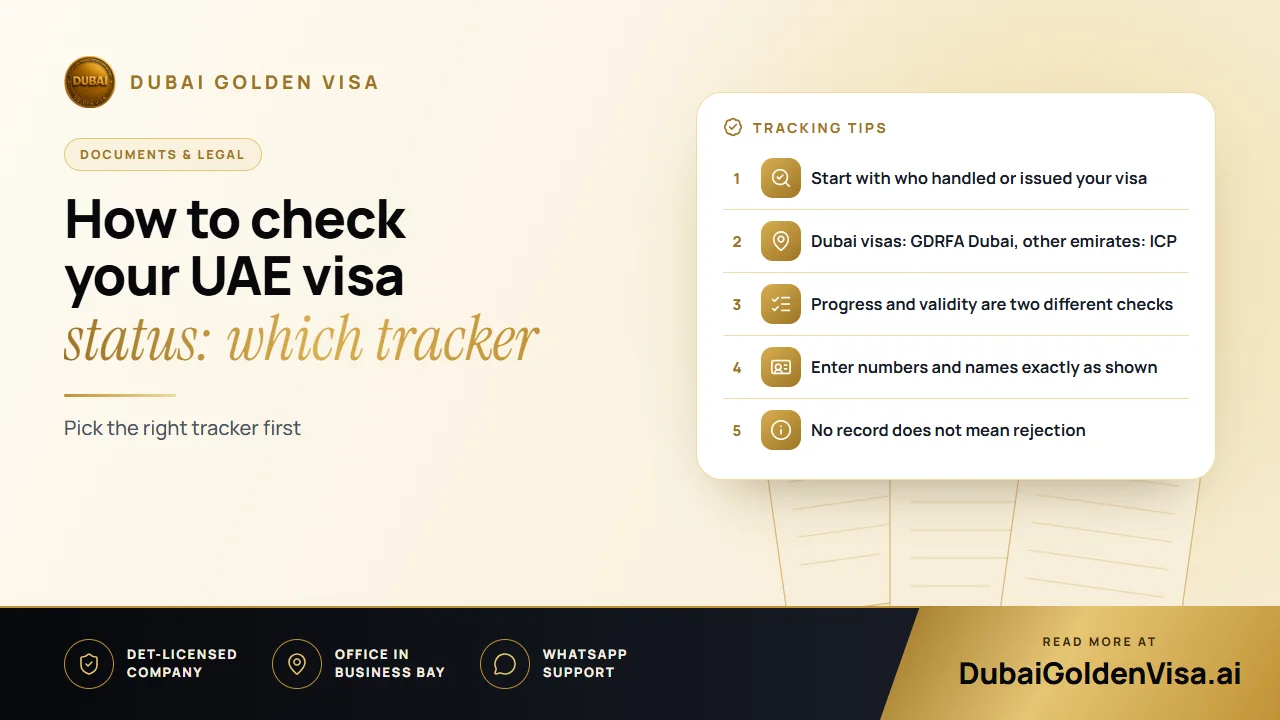
01Work out who issued or filed it
Look at your confirmation email, receipt or sponsor message. It should show whether the file was handled by a visa agent, an airline, an employer or a government counter.
- Handled by an agency or service provider: use that provider's own tracking, with the reference or tracking number they gave you.
- Issued in Dubai: use the GDRFA Dubai enquiry service.
- Issued by any of the other six emirates: use the ICP smart services portal.
A tracker run by one company normally cannot display a visa filed through another agency, employer or airline. If you see no result, that may be the only reason.
02What to have on hand
The fields vary between systems. Keep your application confirmation, payment receipt and a copy of the visa close by. Depending on the service, you may be asked for a reference or transaction number, passport details, nationality, date of birth or a file number.
Tip
Passport number alone is not always enough
Some validity enquiries accept passport details, but many checks want an application or file number instead. Do not expect a provider's tracker to find a case that someone else submitted.
03A step-by-step approach
- 1
Find the source
Check emails, receipts and messages to see who submitted the application.
- 2
Open the matching system
Use the provider's tracker, GDRFA Dubai or ICP, depending on where the file sits.
- 3
Enter details exactly
Copy numbers without extra spaces, and match spelling, nationality and dates to the passport used for the application.
- 4
Read the result in context
A progress update shows where the file is. A validity result confirms issue date, expiry and current standing.
- 5
Ask the filer if nothing appears
If the details are right and there is still no record, ask whoever submitted it to confirm the issuing authority and reference. Avoid opening a second application while the first may be live.
04What common statuses usually mean
Wording differs from one system to another, so use these as a rough guide and follow any specific instruction shown on your own record.
- Received: your details have reached the handler, but review may not have started.
- Under review: documents are being checked, and a clearer scan or an extra paper may be requested.
- Submitted to immigration: the file has gone to the authority, and the timing of the decision is in its hands.
- Approved: a positive decision has been recorded. Wait for the actual visa or entry permit before relying on it for travel.
- Issued or completed: the electronic visa exists. Read it carefully before you fly.
- Rejected or returned: the application was not issued or needs action. Portals often give no detailed reason, so ask the handler.
05Why you might see no record
A blank result does not mean refusal. Common causes include searching the wrong system, a typing slip, a different spelling of the name, or checking too soon after submission before the file has appeared.
Another cause is a visa issued under a sponsor's file, such as an employer's or a family member's. In that case, the sponsor may have the reference you need.
06Before you travel
Once your visa is issued, check the name, passport number, validity dates and visa type. Mistakes are much easier to correct before you leave than at the airport. Keep a digital copy and a printed one.
For tourist and visit visas arranged through us, standard processing usually takes two to three working days, with express around 12 to 24 hours. If you are unsure where your own application stands, message us on WhatsApp for a free check and we will help you find the right place to look.
Questions about this topic
Sometimes for a validity enquiry, but many checks need an application, transaction or file number. It depends on the system and the type of check.
Questions about your own case?
Send us a message and an advisor will tell you which route fits and what you'll need.