
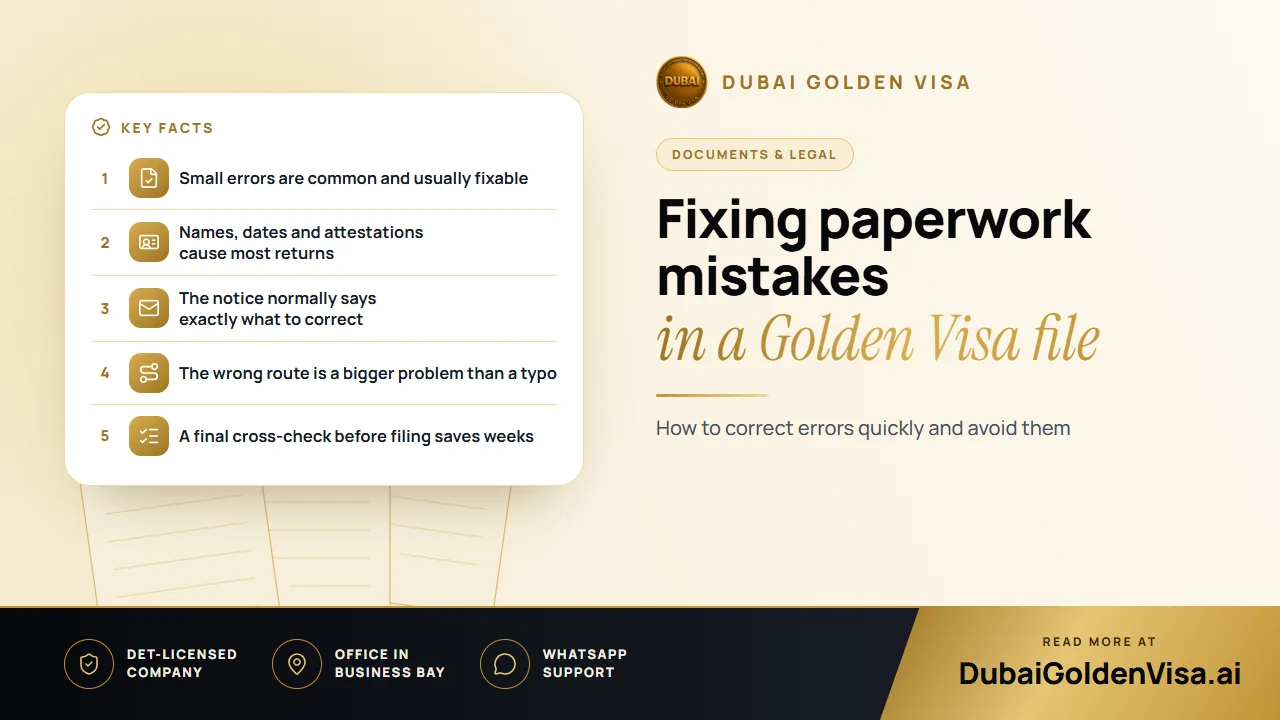
A Golden Visa file is built from many small pieces: passport, deed or contract, degree, photos, insurance. If one of them does not line up with the others, the file can be sent back for correction. That sounds alarming, but it is rarely the end of the application. In most cases it is a request to put right something specific.
Below are the mistakes we meet most often, what each one looks like, and the practical way to repair it.
01The usual suspects
- Names that differ between passport, title deed, degree and application form, even by a single letter or a missing middle name
- A passport or other document that has expired, or is close enough to expiry to cause trouble
- Blurry, cropped or low-quality scans that cannot be read
- A degree or certificate that has not been attested for UAE use
- Salary or ownership details that are out of date
- A photo that does not meet the white-background standard
02Name mismatches
This is the single most frequent problem. A deed bought years ago may carry a short version of your name, while your passport shows the full one. The remedy depends on which document is wrong. The passport is the master record, so the usual fix is to bring the other paper into line, for instance by asking the land department to amend the owner details or by adding a supporting letter. Do not try to alter the application to match a wrong document.
03Expired or nearly expired papers
Check the passport first. Many people forget that a Golden Visa is issued for ten years but cannot outlast the passport it is stamped to; having plenty of validity left avoids a rushed renewal. Look as well at any licence, employer letter or valuation that carries a date, since some are accepted only for a limited time after they were issued.
04Attestations
For the skilled-professional route, your bachelor's degree must be attested for UAE use. That means the chain of stamps from the issuing country, then the UAE embassy there, then the Ministry of Foreign Affairs here. A degree that has been through only part of the chain will be sent back. If this is where you are stuck, the quickest fix is to complete the missing step rather than start again.
05Picking the wrong route
Not every error is a typo. Some people apply under the property category with a deed that does not reach the AED 2 million threshold, or as a professional with allowances counted into a salary that falls short of AED 30,000 basic. No re-upload will fix that. The answer is to switch to the route that really fits, or to close the gap, for example with a current valuation.
Tip
Do not file twice in a panic
If your file comes back, resist the urge to submit a second, new application. Fix the points named in the notice and return the same file. Duplicate submissions can confuse the record and slow things further.
06How to correct a returned file
- 1
Read the notice slowly
It usually names the document or field that needs attention. Write down every point, not just the first one.
- 2
Compare against the originals
Lay your passport, deed or contract and application side by side and check names, numbers and dates letter by letter.
- 3
Replace what is wrong
Renew, attest, amend or re-scan the document. Make sure every page is complete and legible.
- 4
Re-submit through the same channel
Return the corrected file where it came from, in the format and within the time the notice allows.
- 5
Confirm the update was received
Check the status a day or two later so a second query does not sit unseen.
07Prevent errors before you file
A short checklist beats a long repair. Before anything is submitted, check that every name matches the passport, that nothing expires within the next six months, that attestations are complete, that scans are sharp, and that the route you chose really fits your numbers. It is a ten-minute check that can save weeks.
If you would like a second pair of eyes on your documents, send them to us on WhatsApp for a free review. We will point out anything that looks inconsistent and tell you whether it needs fixing before you apply.
Questions about this topic
Not necessarily. It usually means something needs correcting, and you can fix it and re-submit.
Questions about your own case?
Send us a message and an advisor will tell you which route fits and what you'll need.